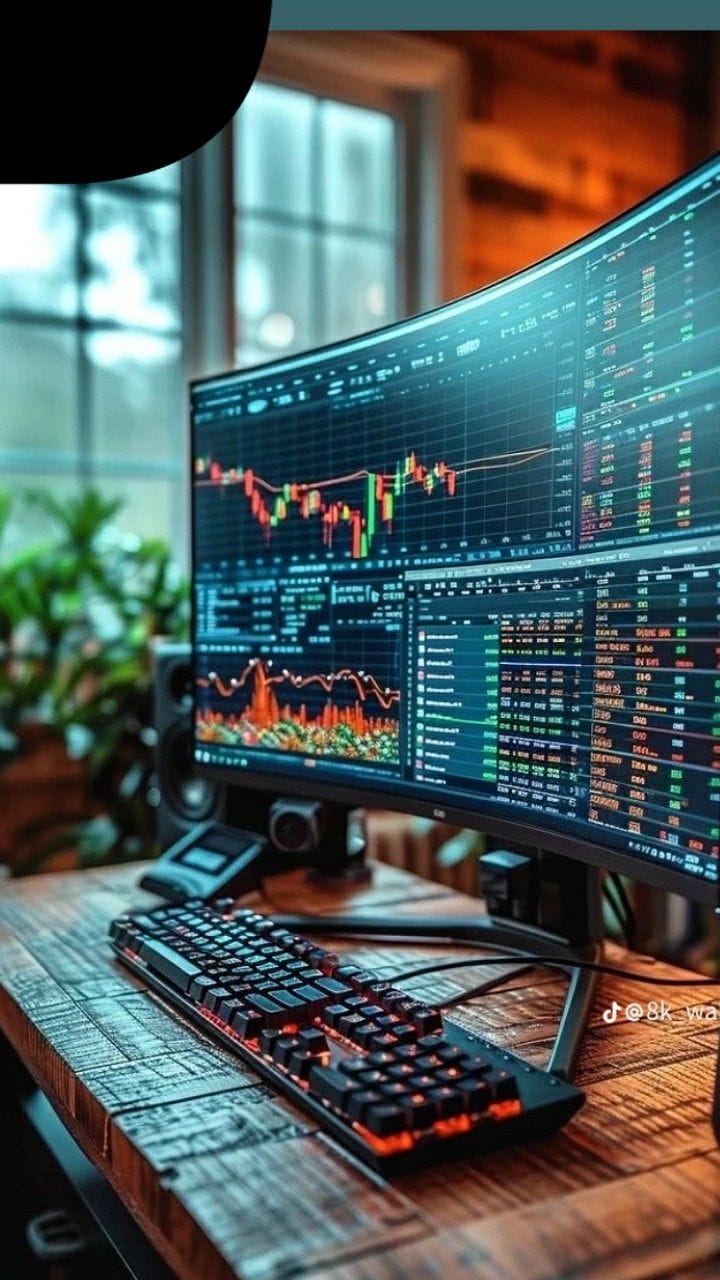
Business Wallpaper iPhone: Professional Backgrounds That Look Clean and Premium
Your iPhone wallpaper is the first thing you see all day. If it looks messy, your brain feels messy. If it looks clean, your day starts sharp.
This guide gives you business wallpaper iPhone ideas that match a professional vibe: minimal, premium, and work-focused. Perfect for entrepreneurs, office workers, and anyone who wants their phone to look “serious” without being boring.
What Makes a Wallpaper “Business” (Not Just Random Aesthetic)
Here’s what matters if you want a professional look:
- Simple background (no noisy patterns)
- High contrast (easy icons + readable time)
- Neutral colors (black, white, gray, navy, beige)
- Premium accents (gold lines, soft gradients)
- Minimal text (optional, but keep it short)
If you want your iPhone to feel like a tool, not a toy—this is the style.
1) Minimal Business Wallpaper iPhone (Clean + Modern)
If you want the safest “professional” look, go minimal.
Best minimal styles:
- Matte black with subtle texture
- White/cream soft gradient
- Gray concrete minimal texture
- Clean navy with a single thin line
- Minimal geometric shapes (circles/lines)
Why it works: It makes your home screen feel organized and premium.
2) Luxury Business Wallpaper iPhone (Black + Gold Look)
This is the “CEO vibe” category. It looks expensive even if it’s simple.
Luxury wallpaper ideas:
- Black background + gold line art
- Dark marble with gold streaks
- Black gradient with gold logo-style shapes
- Deep navy + gold accents
- Minimal luxury patterns (very subtle)
Tip: Keep gold small. Too much gold starts looking cheap fast.
3) Business Aesthetic Wallpaper iPhone (Office Vibes)
This is for people who want “work energy” without being boring.
Office vibe styles:
- Clean desk flat-lay (laptop + notebook)
- City skyline at night
- Modern office glass buildings
- Coffee + planner + neutral tones
- Blurred boardroom lights (bokeh style)
Why it works: It sets a working mood without shouting.
4) Motivational Business Wallpaper iPhone (Short + Powerful)
Text wallpapers can be good if you keep them short and clean.
Good one-liners (1–4 words):
- Focus.
- Discipline.
- Execute.
- No excuses.
- Stay consistent.
- Build.
- Win the day.
Rules: Avoid long quotes. Keep text away from the clock and icons.
5) Productivity iPhone Wallpaper for Work (Anti-Distraction Style)
If you want less scrolling, use a wallpaper that feels calm.
Anti-distraction styles:
- Plain dark wallpaper
- Soft gradient (dark top, lighter bottom)
- Blurred abstract shapes
- Minimal monochrome texture
Extra trick: Use a wallpaper that makes app icons stand out less. Less temptation = less tapping.
Best Colors for Business Wallpaper iPhone (Quick Cheat Sheet)
- Black: strongest, cleanest, most “executive” look
- Navy: professional, calm, modern
- Gray: neutral and safe for any phone layout
- Beige/Cream: premium and soft (great for light themes)
- White: super clean, but icons can get messy unless spacing is planned
How to Set a Business Wallpaper on iPhone
- Open Settings → Wallpaper
- Tap Add New Wallpaper
- Choose your image
- Turn Perspective Zoom off (usually looks cleaner)
- Set as Lock Screen, Home Screen, or both
Quick Picks: Business Wallpaper Ideas (Copy This List)
- Minimal black texture
- Navy gradient + thin line
- Black marble with subtle gold
- City skyline (night, clean)
- Desk flat-lay (neutral tones)
- White gradient (simple, soft)
- Geometric minimal shapes
- Dark abstract blur
- One-word motivational (Focus / Execute)
- Minimal faint grid pattern
FAQ: Business Wallpaper iPhone
What is the best business wallpaper for iPhone?
The best option is minimal: black, navy, gray, or soft gradients—because it looks clean and keeps icons and the clock readable.
Are motivational wallpapers good for professional use?
Yes, if the text is short (1–4 words) and the design is clean. Long quotes usually look messy.
Which wallpaper looks most premium on iPhone?
Black + subtle gold accents or dark marble looks premium without being loud.
Final tip: Keep your wallpapers consistent. When your phone looks clean, your brain stays focused.