Good news: you can download Fortnite on iPhone again straight from the App Store. Fortnite returned to the US App Store on May 20, 2025 after a five-year absence, and in May 2026 Epic brought it back to the App Store worldwide, except Australia. It is free to download and play. This guide shows you exactly how to install Fortnite on your iPhone, which iPhones can run it, how to use a controller, what to do if your phone is not supported, and what is happening in Fortnite this week.
Is Fortnite on the iPhone App Store?
Yes. In the US and almost every other country, Fortnite is a free download on the App Store from Epic Games. In the EU, you can also get it through the Epic Games Store app for iOS. The only exception is Australia, where it had not returned to the App Store at last report.
Fortnite iPhone Requirements
| Requirement | Details |
|---|---|
| iPhone | iPhone 11 or newer (Epic lists iPhone SE 3rd generation as supported, but not the 2nd generation) |
| iOS version | iOS 17.6.1 or later to be safe |
| Memory | At least 4GB of RAM; iPhone 14 or newer recommended |
| Storage | About 4.2GB for the app, plus extra game data |
| Price | Free, with optional in-app purchases |
| Age rating | 13+ |
The App Store listing says iOS 17.0 or later, while Epic’s help page says iOS 17.6.1, so updating to the newest iOS avoids problems. If you are behind, see what’s new in iOS 27.2.1.
How to Download Fortnite on iPhone
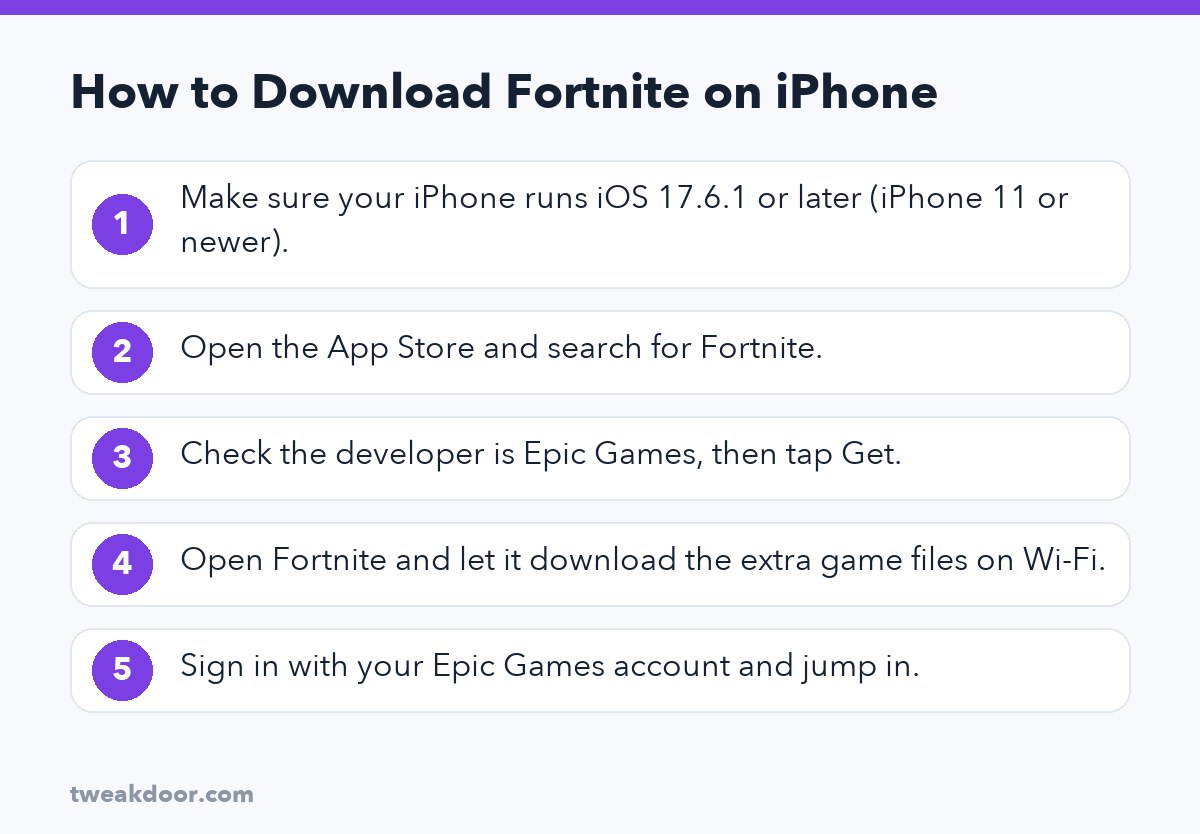
- Update your iPhone in Settings > General > Software Update.
- Open the App Store and search for Fortnite.
- Make sure the developer is Epic Games, then tap Get.
- Open Fortnite. It will download extra game files, so stay on Wi-Fi.
- Sign in with your Epic Games account. Use the same account as your console or PC to keep your skins and progress.
Can You Use a Controller for Fortnite on iPhone?
Many players prefer a controller for building and aiming. Epic says phones and tablets work with touch or a controller, including PlayStation DualShock 4, DualSense and Xbox Wireless controllers. Pair your controller in Settings > Bluetooth before you open the game. Clip-on controllers that turn your iPhone into a handheld are also popular.
iPhone Not Supported? Play Fortnite With Cloud Gaming
If your iPhone is too old or short on storage, you can stream Fortnite in Safari instead of installing it:
- GeForce NOW: NVIDIA offers Fortnite streaming in Safari with touch controls at play.geforcenow.com.
- Xbox Cloud Gaming: Fortnite has been available free at xbox.com/play in Safari with a Microsoft account. Check the site for current availability.
Streaming needs a fast, stable connection, ideally Wi-Fi.
What’s Happening in Fortnite Right Now
Fortnite is in the Treasure Hunters mini-season, which started November 1, 2026 with a pirate and anime theme, a One Piece collaboration and a new map. The latest update, version 43.10, arrived on November 12. According to Dexerto’s schedule, the final week of Treasure Hunt rewards wraps up with a “Final Hunt” day on Sunday, November 29. The next big chapter is expected in December, though Epic has not confirmed the exact date.
Fortnite and Apple: A Quick History
Apple removed Fortnite from the App Store in August 2020 after Epic added its own payment system. After years of court battles, a US court ruling let Fortnite return to the US App Store in May 2025. The legal fight continues: the US Supreme Court is set to hear Apple’s appeal of a contempt ruling on January 11, 2027. For players, the important part is simple: Fortnite is available on iPhone now.
Fixes If Fortnite Will Not Install or Open
- Free up storage. Fortnite needs several gigabytes, plus room for updates.
- Update iOS. Older iOS versions may block the download.
- Check your iPhone model. iPhone 11 or newer is required.
- Restart your iPhone and try the in-game download again on Wi-Fi.
- Avoid unofficial downloads. Only install Fortnite from the App Store or Epic’s official store. “Fortnite IPA” files from other sites can be unsafe.
Love free game rewards? Check out our game codes and Roblox codes pages.
How to Download Fortnite on iPhone: Frequently Asked Questions
Is Fortnite free on iPhone?
Yes. Fortnite is free to download and play, with optional in-app purchases.
Does Fortnite work on iPhone XR?
No. The app requires an iPhone 11 or newer. You can try cloud streaming in Safari instead.
Can I keep my skins on iPhone?
Yes. Sign in with the same Epic Games account you use on other platforms.
Why is Fortnite not in the App Store in Australia?
Fortnite had not returned to the Australian App Store at last report, despite a court ruling there. Check the App Store for the latest status.
Can I play Fortnite on iPhone with friends on console?
Yes. Fortnite supports cross-play, so you can team up with friends on PlayStation, Xbox, Switch and PC.