Find the perfect iPhone wallpaper in 94 free collections with more than 4,400 wallpapers: aesthetic, dark and AMOLED, nature, colors, holidays, cars, quotes and iOS styles. Every image is free to download and sized for iPhone screens.
- 4,400+wallpapers
- 94collections
- Freedownload
🔥 Most Popular iPhone Wallpapers
 AMOLED Wallpaper Full HD Black for iPhone111 wallpapers
 iOS 17 Wallpapers 4K HD for iPhone111 wallpapers
 iOS 18 Wallpapers for iPhone100 wallpapers
 Funny Wallpaper for iPhone92 wallpapers
 Quotes Wallpaper for iPhone90 wallpapers
 Horror Wallpaper for iPhone89 wallpapers
 Black and Red Wallpaper Backgrounds for iPhone88 wallpapers
 Black Halloween Wallpaper for iPhone80 wallpapers
🌸 Aesthetic & Cute Wallpapers
 Fancy iPhone Backgrounds71 wallpapers
 Top iPhone Wallpaper Picks68 wallpapers
 Calming Wallpaper for iPhone67 wallpapers
 Aura Wallpaper for iPhone55 wallpapers
 Barbie Background for iPhone49 wallpapers
 Books Wallpaper for iPhone47 wallpapers
 Elegant Wallpaper for iPhone47 wallpapers
 Vintage Wallpapers for iPhone41 wallpapers
 Aesthetic Wallpaper for iPhone37 wallpapers
 Cute Cat Wallpaper for iPhone37 wallpapers
 TikTok Wallpaper for iPhone37 wallpapers
 Boho Wallpaper for iPhone26 wallpapers
 Cute Background for iPhone23 wallpapers
🌑 Dark & AMOLED Wallpapers
AMOLED Wallpaper Full HD Black for iPhone111 wallpapersHorror Wallpaper for iPhone89 wallpapers Black Aesthetic Wallpaper for iPhone51 wallpapers
 Black Background and Wallpaper for iPhone46 wallpapers
 Dark Aesthetic Wallpaper for iPhone21 wallpapers
 Dark Wallpapers for iOS13 wallpapers
🎨 Colors Wallpapers
Black and Red Wallpaper Backgrounds for iPhone88 wallpapers Black and Green Wallpaper Backgrounds for iPhone78 wallpapers
 Bright Wallpaper for iPhone66 wallpapers
 Orange Background Wallpapers for iPhone66 wallpapers
 Black and Orange Wallpaper for iPhone60 wallpapers
 Soft Yellow Wallpapers for iPhone51 wallpapers
 Black White Wallpaper Backgrounds for iPhone50 wallpapers
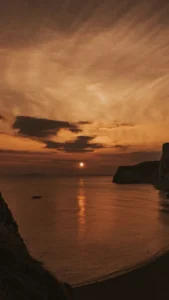 Brownish Background Aesthetic for iPhone47 wallpapers
 Solid Wallpaper for iPhone47 wallpapers
 Dark Red Wallpaper for iPhone39 wallpapers
 Dark Blue Background Wallpapers for iPhone36 wallpapers
 Mix Colorful Backgrounds for iPhone25 wallpapers
 Pink Wallpaper 2024 for iPhone22 wallpapers
🌿 Nature & Seasons Wallpapers
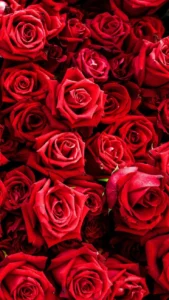 Best Roses Wallpaper for iPhone56 wallpapers
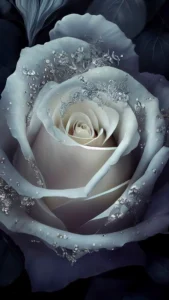 White Roses Wallpaper Backgrounds for iPhone56 wallpapers
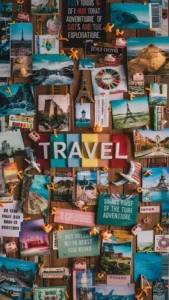 Travel Wallpaper for iPhone54 wallpapers
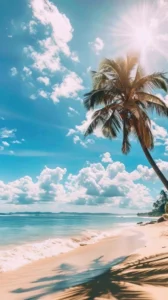 Beach Background for iPhone47 wallpapers
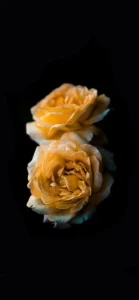 Yellow Rose Background Wallpapers for iPhone45 wallpapers
 Adorable Kitten Fall Wallpaper for iPhone44 wallpapers
 Botanical Wallpaper for iPhone40 wallpapers
 Nature Wallpaper for iPhone40 wallpapers
 Bamboo Wallpaper for iPhone38 wallpapers
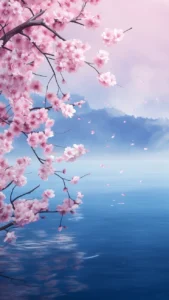 Cherry Blossom Wallpaper Aesthetic for iPhone38 wallpapers
 Heaven Wallpaper for iPhone35 wallpapers
 Winter Wallpaper for iPhone35 wallpapers
 Pink Flowers Wallpapers for iOS32 wallpapers
 Summer Wallpaper for iPhone31 wallpapers
 Autumn Wallpaper for iPhone22 wallpapers
 Jungle Wallpapers for iPhone22 wallpapers
🎉 Holidays & Events Wallpapers
Black Halloween Wallpaper for iPhone80 wallpapers Cozy Christmas Background for iPhone52 wallpapers
 Best Halloween Wallpaper for iPhone42 wallpapers
 Birthday Background for iPhone40 wallpapers
🏎️ Cars, Sports & Games Wallpapers
 Gameboy Wallpapers for iPhone71 wallpapers
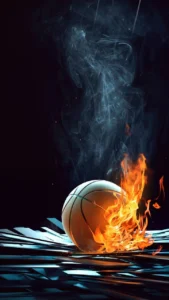 Basketball Wallpaper for iPhone51 wallpapers
 Among Us Wallpaper for iPhone49 wallpapers
 BGMI Wallpaper 8K for iPhone44 wallpapers
 Baseball Background Wallpaper for iPhone42 wallpapers
 Business Wallpaper for iPhone38 wallpapers
 Airplane Wallpaper for iPhone30 wallpapers
 Fitness Wallpapers for iPhone30 wallpapers
 Black Cars Aesthetic Wallpaper for iPhone29 wallpapers
 Car Wallpaper for iPhone21 wallpapers
🖌️ Art, Abstract & Textures Wallpapers
 Mixed Brick Background Wallpapers for iPhone74 wallpapers
 Quartz Wallpaper for iPhone69 wallpapers
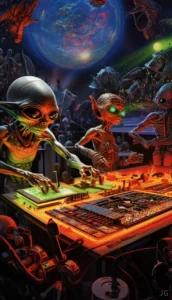 Alien Wallpaper for iPhone63 wallpapers
 4K Wallpaper for iPhone50 wallpapers
 Angel Wallpaper for iPhone49 wallpapers
 Art Background Wallpaper for iPhone47 wallpapers
 Tie Dye Background Wallpapers for iPhone45 wallpapers
 White Wall Wallpaper for iPhone40 wallpapers
 Ultra HD Wallpaper for iPhone38 wallpapers
 4K Aesthetic Wallpaper for iPhone36 wallpapers
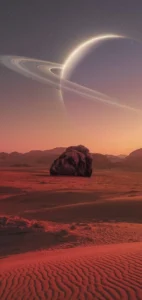 Best World Wallpaper for iPhone36 wallpapers
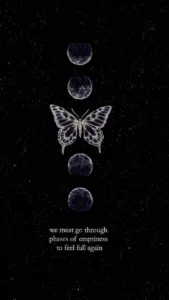 Spiritual Background for iPhone36 wallpapers
 Golden Abstract Background for iPhone34 wallpapers
 Levitation Wallpaper for iPhone29 wallpapers
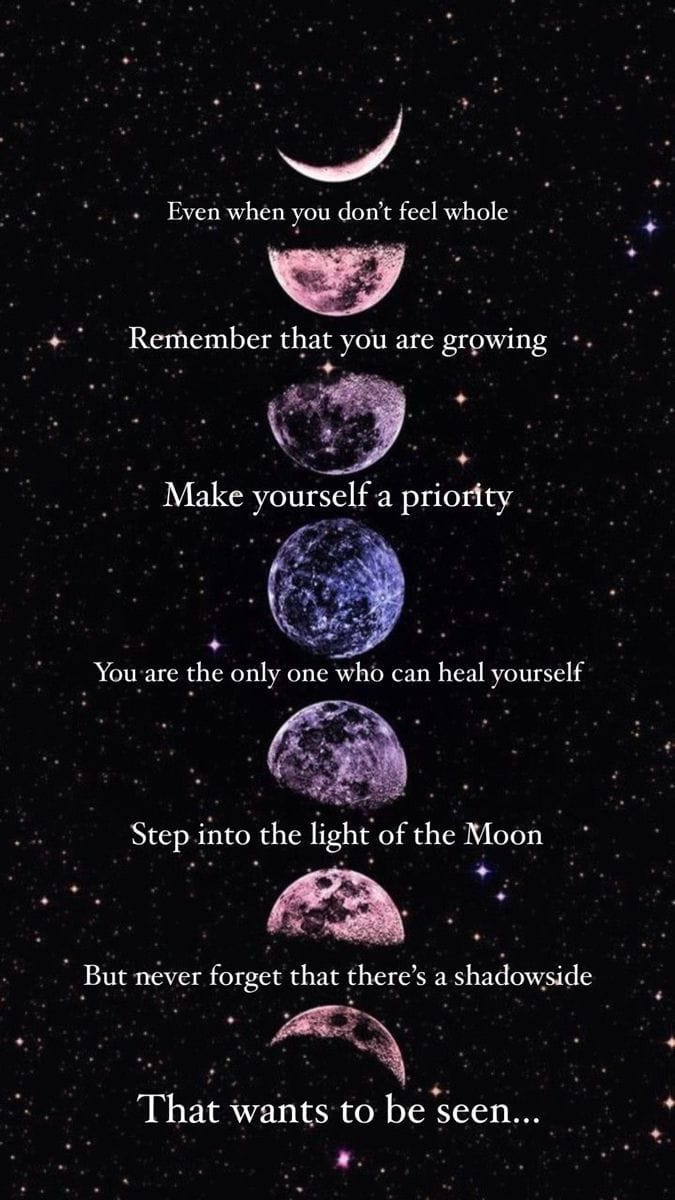 Galaxy Wallpaper for iPhone21 wallpapers
iOS & Apple Wallpapers
iOS 17 Wallpapers 4K HD for iPhone111 wallpapersiOS 18 Wallpapers for iPhone100 wallpapers iOS 15 Wallpapers for iPhone61 wallpapers
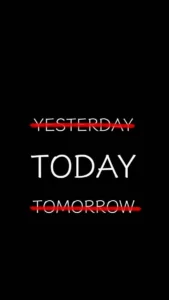 Best Lock Screen Background for iPhone54 wallpapers
💬 Quotes & Fun Wallpapers
Funny Wallpaper for iPhone92 wallpapersQuotes Wallpaper for iPhone90 wallpapers Best Friend Wallpaper for iPhone52 wallpapers
 Weird Background Wallpapers for iPhone27 wallpapers
 Office Background Wallpapers for iPhone25 wallpapers
⭐ Anime & Characters Wallpapers
 Cartoon Wallpaper for iPhone64 wallpapers
 Anime Background for iPhone47 wallpapers
 Pokémon Wallpaper for iPhone46 wallpapers
 Sad Anime Wallpaper for iPhone43 wallpapers
 Demon Slayer Background Wallpapers for iPhone40 wallpapers
 Naruto Wallpapers 4K for iPhone40 wallpapers
 Hello Kitty Wallpaper for iPhone33 wallpapers
 Dark Anime Girls Background for iPhone30 wallpapers
How to Set a Wallpaper on iPhone
- Open a collection and tap a wallpaper to open the full-size image, or tap Download.
- Save it to Photos (press and hold the image, then tap Save to Photos or Add to Photos).
- Go to Settings → Wallpaper → Add New Wallpaper → Photos and pick the image.
- Pinch to fit, turn Depth Effect on or off, then tap Add.
- Choose Set as Wallpaper Pair, or tap Customize Home Screen to use a different or blurred image.
iPhone Wallpaper Sizes
| iPhone model | Wallpaper size (pixels) |
|---|---|
| iPhone 17 Pro Max, 16 Pro Max | 1320 × 2868 |
| iPhone 17, 17 Pro, 16 Pro | 1206 × 2622 |
| iPhone Air | 1260 × 2736 |
| iPhone 16 Plus, 15 Plus, 15 Pro Max, 14 Pro Max | 1290 × 2796 |
| iPhone 16, 15, 15 Pro, 14 Pro | 1179 × 2556 |
| iPhone 16e, 14, 13, 13 Pro, 12, 12 Pro | 1170 × 2532 |
| iPhone SE (2nd and 3rd gen) | 750 × 1334 |
Use an image at least this size so it looks sharp. Taller images can be moved and zoomed when you set them.
iPhone Wallpaper FAQ
Are these iPhone wallpapers free?
Yes. All wallpapers on TweakDoor are free to download for personal use on your phone.
How do I make the clock go behind the picture?
That is the Depth Effect. It works best with photos that have a clear subject, like a person, animal or building. Turn it on in the wallpaper editor; it may turn off if widgets cover the subject.
Why does my wallpaper look blurry?
The image is smaller than your screen, or you zoomed in too much. Pick an image that matches the size table above.
Can I use a different wallpaper on the Home Screen?
Yes. When you add a wallpaper, tap Customize Home Screen and choose another photo, a color, or a blurred version.
Do these work on Android?
Yes. Most images work on Android phones too; just crop them to your screen.