Seeing “iPhone Storage Full” right when you want to take a photo or install an update? It is one of the most common iPhone problems, and big apps, games and iOS updates make it worse. Here is how to free up space on iPhone in iOS 27, step by step, using only Apple’s built-in tools. Most people can recover several gigabytes in a few minutes without losing anything important.
Step 1: See What Is Using Your Storage
Go to Settings > General > iPhone Storage. At the top you will see how much space is used and what is taking it up. Below that are Apple’s recommendations, and then a list of apps sorted by size. Tap Show All to see every recommendation and tap Enable on the ones you want.
Quick Fixes That Free Up the Most Space
1. Offload apps you rarely use
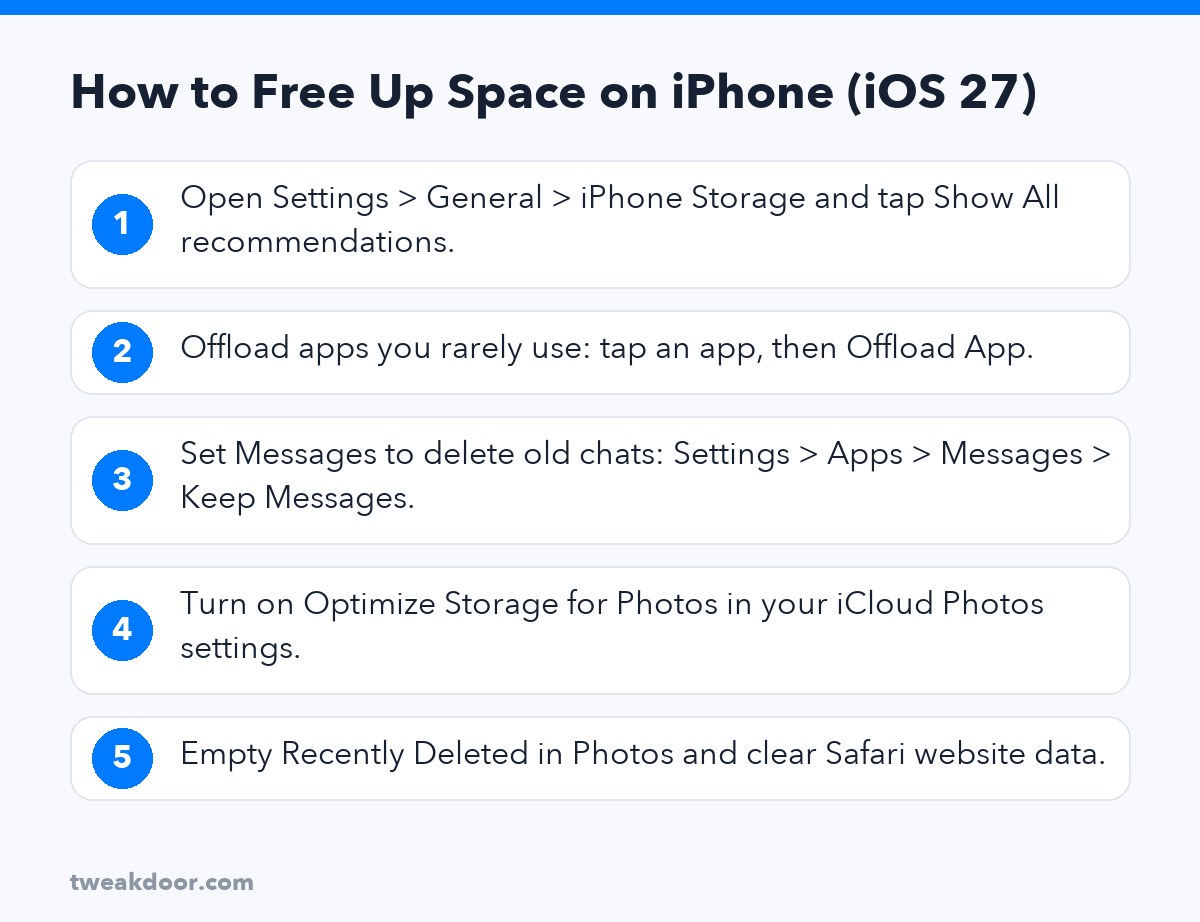
Offloading removes an app but keeps its documents and data, so nothing is lost. Go to Settings > General > iPhone Storage, tap a big app you rarely use, and choose Offload App. The icon stays on your Home Screen with a small cloud, and tapping it reinstalls the app. Choose Delete App only if you want to remove its data too.
2. Turn on Offload Unused Apps
To do this automatically, go to Settings > Apps > App Store and turn on Offload Unused Apps. Your iPhone will offload apps you have not used in a while when space runs low.
3. Stop keeping old messages forever
Years of photos and videos in Messages can take up a lot of space. Go to Settings > Apps > Messages > Keep Messages and choose 30 Days or 1 Year. Be careful: older conversations and attachments will be deleted automatically. To delete only big attachments from one chat, open the conversation, tap the contact or group name at the top, pick Photos or another category, then tap Select and delete what you do not need.
4. Optimize your photo storage
With iCloud Photos, your iPhone can keep smaller versions of photos while the full-resolution originals stay in iCloud. In iOS 27, go to Settings > [your name] > iCloud > Photos, turn on syncing for this device, then under the iPhone Storage option choose Optimize Storage. This step changed in iOS 27, so older guides may show a different path.
5. Empty Recently Deleted
Deleted photos stay on your iPhone for 30 days. To free that space now, open Photos > Collections > Recently Deleted under Utilities and delete them permanently.
6. Clear Safari website data
Go to Settings > Apps > Safari > Clear History and Website Data. If you want to keep your history, go to Settings > Apps > Safari > Advanced > Website Data and tap Remove All Website Data instead.
7. Delete downloaded videos and music
Streaming apps like Netflix, Spotify and Apple Music can store gigabytes of downloads. Open each app and remove downloads you have already watched or no longer need. Planning holiday viewing? Check our new on Netflix December 2026 list first.
What Is “System Data” and Can You Reduce It?
Apple’s storage page explains that this category includes items you cannot remove directly, such as Siri voices, fonts, dictionaries, caches, logs and the Spotlight index. Apple says cached files are removed automatically when your iPhone needs space. Apple does not offer manual steps to shrink it, so the best approach is to free space elsewhere and let iOS clean up its caches. Apple Intelligence features also use a large amount of storage on newer iPhones, according to 9to5Mac.
Not Enough Space for an iOS Update?
If your iPhone needs space to install an update, it may ask to temporarily remove apps. Apple says you can tap Continue, and the apps are reinstalled automatically after the update. Tap Cancel if you would rather delete content yourself. See what is in the latest update in our iOS 27.2.1 guide.
Need More Space? iCloud+ Prices
| iCloud+ plan | US price per month |
|---|---|
| 50GB | $0.99 |
| 200GB | $2.99 |
| 2TB | $9.99 |
| 6TB | $29.99 |
| 12TB | $59.99 |
iCloud+ does not add storage to the iPhone itself, but with Optimize Storage for Photos it can free up a lot of space on your device.
Tips to Keep Your Storage Free
- Check iPhone Storage once a month.
- Delete screenshots and screen recordings you no longer need.
- Offload big games when you finish them. Your saves stay safe.
- Back up your iPhone before deleting anything important.
iPhone Storage Full: Frequently Asked Questions
What is the fastest way to free up space on iPhone?
Offload your biggest unused apps and empty Recently Deleted in Photos. Both take seconds and can free several gigabytes.
Does offloading an app delete my data?
No. Offloading keeps your documents and data. Reinstall the app and everything is still there.
Why is System Data so big?
It includes caches, logs, Siri voices and other system files. iOS clears caches automatically when it needs space.
Will deleting messages free up space?
Yes, especially photos and videos in long chats. Set Keep Messages to 1 Year or remove large attachments.
Does buying iCloud storage free up iPhone space?
Not by itself, but with Optimize Storage for Photos, your iPhone keeps smaller copies and saves space.